 Zippl
Zippl
Scan receipts. Split fair. Skip the awkward maths.
Snap a photo of any receipt and let Zippl's AI sort out the merchant, items, tax and tip. Then split it evenly, or let everyone claim exactly what they had.

Free to start: 5 scans in your first two weeks, then 1 a month. Zippl Core is A$4.99 a month for 30 scans. Zippl Plus is A$14.99 a month or A$164.99 a year. Requires iPhone with iOS 26 or later.
We read your receipt, we don't keep it: on the free plan and on Zippl Core it's stored on your device and in your own iCloud. Zippl Plus keeps them with us instead, which is what makes item-by-item splitting and Xero export possible.
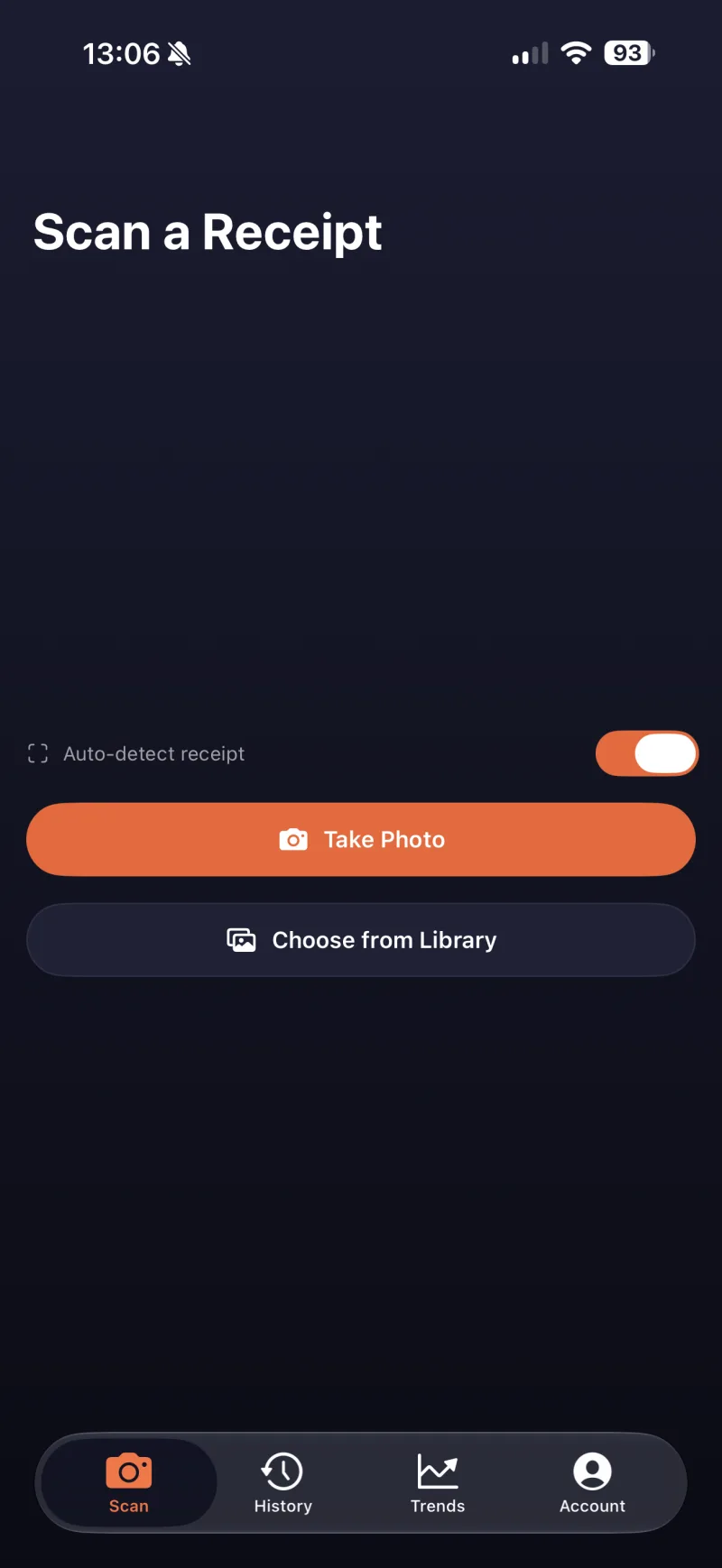
Three steps. Zero spreadsheets.
Scan
Snap a photo of any receipt, or import one from your library. Zippl reads it in seconds.
Sort
AI extracts every item and price, and auto-categorises the spend: dining, groceries, and more.
Split
Split evenly across the table, or name everyone and let them claim exactly what they had.
Fair splitting, down to the last item
Splitting shouldn't mean everyone pays the same when they didn't order the same.
Name everyone at the table
Each person claims exactly what they had, and Zippl tracks what's left unclaimed as you go.
Fair tax & tip, automatically
Every person's share of tax and tip is calculated proportionally — no mental maths required.
AI does the reading
No manual typing — merchant, items, prices, tax and tip are extracted straight from the photo.
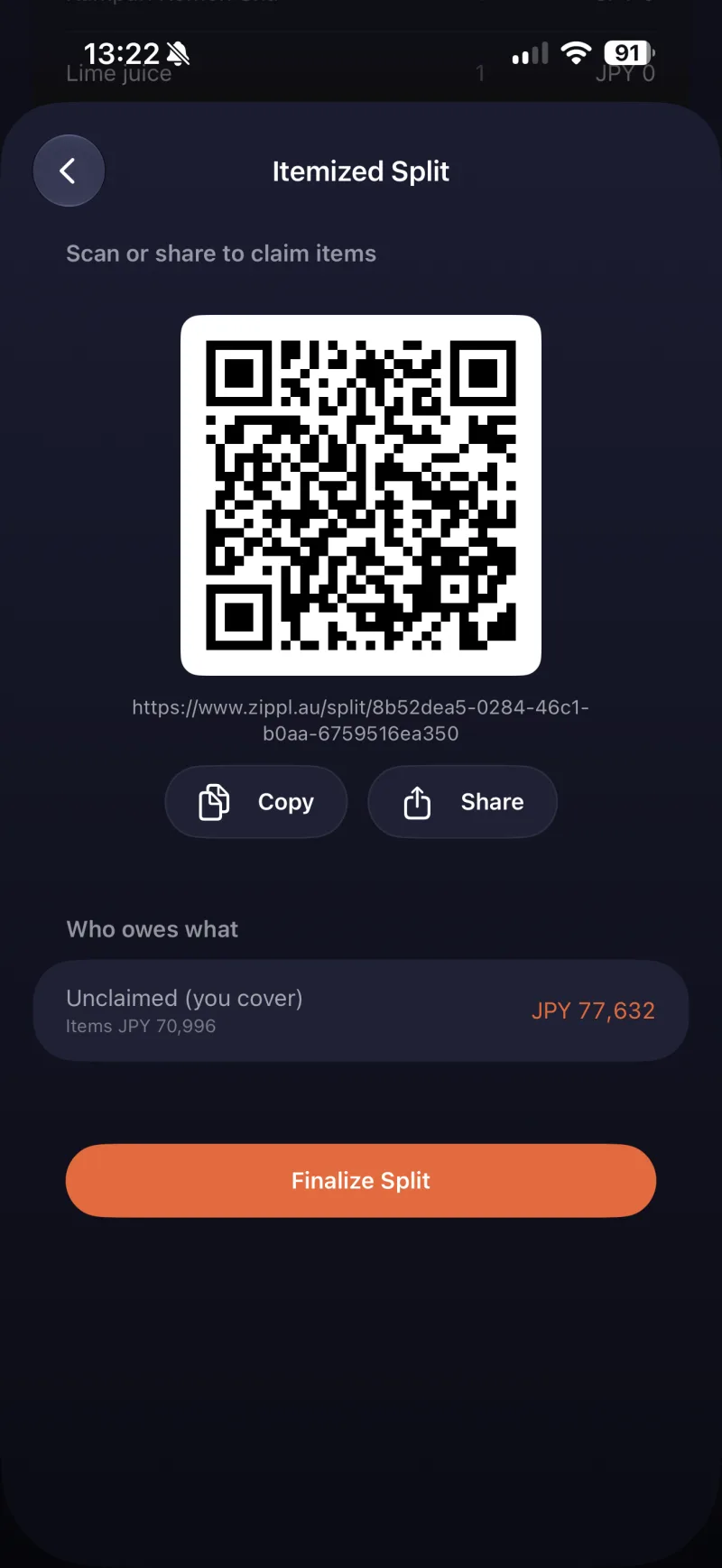
See where it actually goes
Every scan is auto-categorised, so Trends builds itself — totals by week, month or year, your top merchants, and where the money's really going.
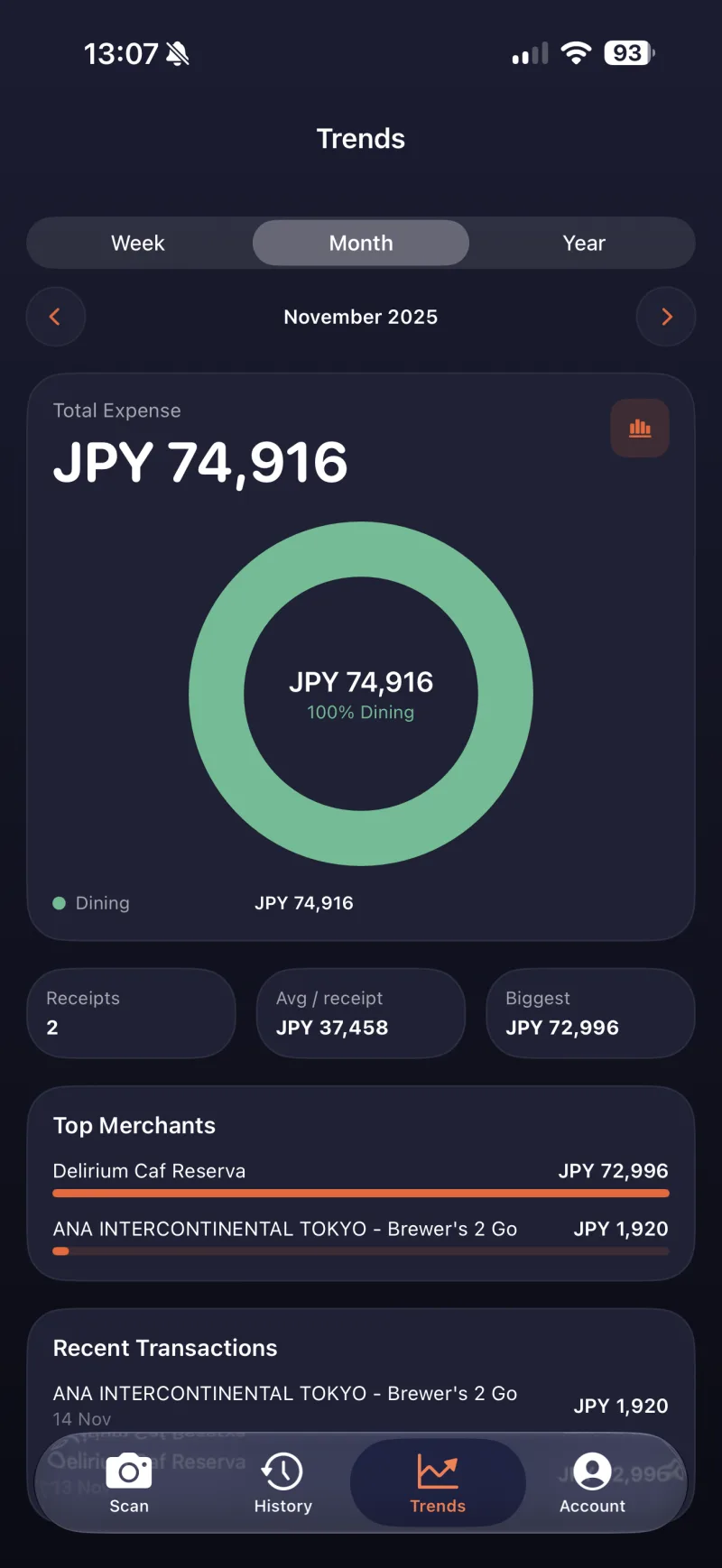
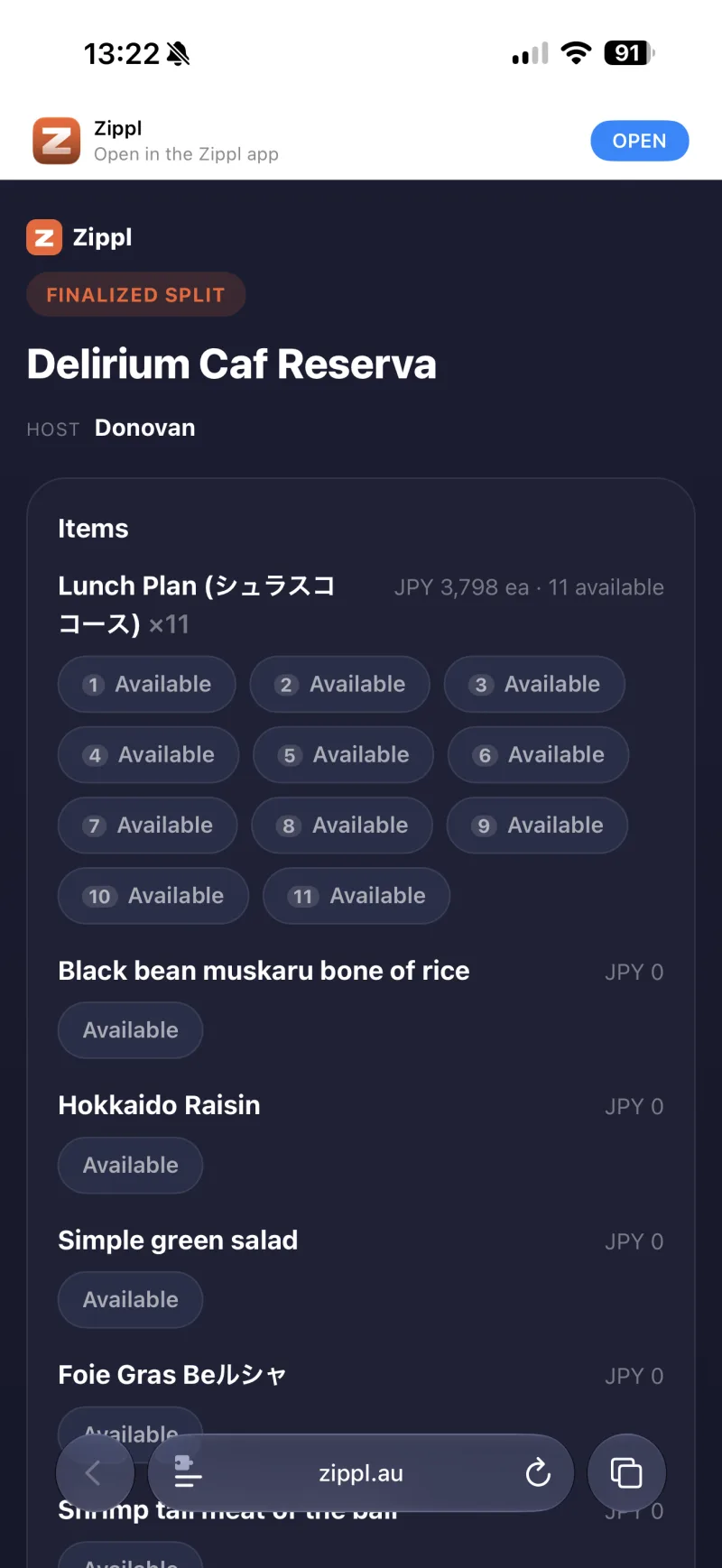
Guests just tap the link
Share a QR code or link and everyone claims what they had from any browser — no download, no account, no awkward "just Venmo me."
Send receipts straight to Xero
Zippl Plus can push a scanned receipt into your Xero account as a spend transaction, with the image, GST and line items attached, so your books are done before you've left the table.
In beta. Request access from the app and we'll switch it on for your account.

Community
Join the PriceLabs Community
Get help, share feedback, and follow Zippl updates on our Discord server — alongside NetInfo, FlightWatch and TransferWatch.
Join DiscordNever do the maths at the table again.
Out now on the App Store. Free to start, and on the free plan your receipts live in your own iCloud rather than our database.